
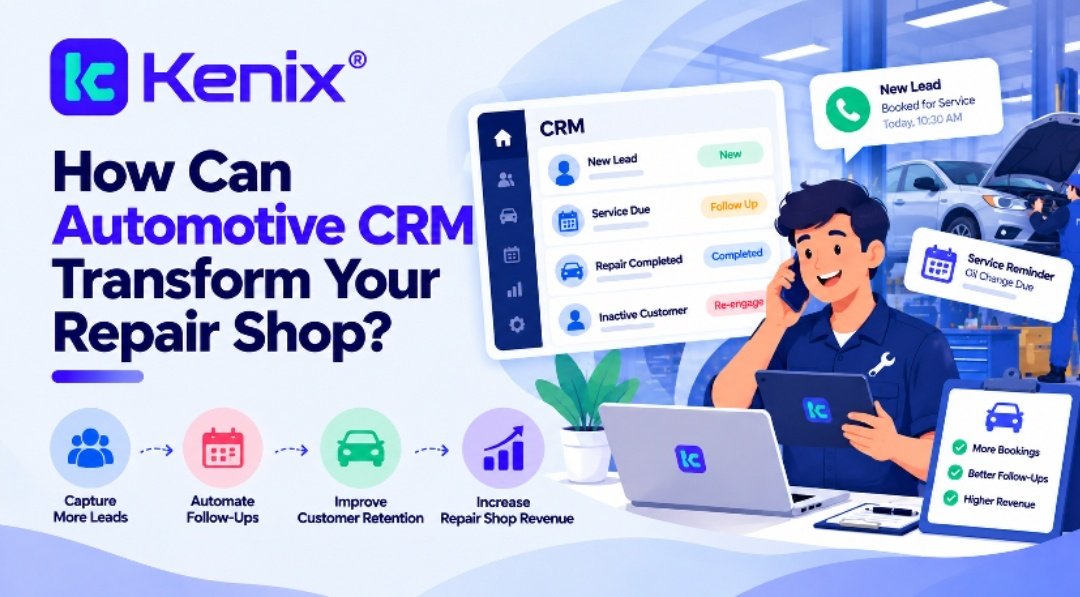
Most auto repair shops don’t struggle because of the quality of their work. They struggle because of what happens around the work: the call that went to voicemail, the estimate nobody followed up on, the customer who was due for a brake inspection three months ago and never heard from the shop.
I’ve spent more than two decades around shops of every size, and the same pattern shows up again and again. The technical side is strong, but customer information is scattered across paper tickets, a scheduling calendar, a shop management system, text messages, and somebody’s memory. An automotive CRM for auto repairing shops brings those pieces together so that every customer interaction is recorded, easy to find, and easy to act on.
This article explains where customer management typically breaks down, how a CRM helps, and what to consider if you’re thinking about adding one to your shop.
Where Customer Management Breaks Down in Most Shops
If you manage a shop, some of this will sound familiar.
A customer calls to ask about a check engine light. The service advisor is with someone at the counter, so the call goes to voicemail. Nobody logs it, and by the time someone calls back, the customer has booked with a shop down the road.
Another customer comes in for an oil change, and the technician notes that the rear brake pads are getting thin. The advisor mentions it, the customer says “maybe next time,” and the note stays on a paper work order in a filing cabinet.
A third customer’s information lives in three places: the shop management system has the invoice, the calendar has the appointment, and a phone has the text thread about a quote. When someone asks, “What did we tell this customer last time?” Nobody can answer quickly.
None of these are dramatic failures. They are small gaps, and they add up. When customer data is spread across different tools or managed by hand, shops usually run into the same problems:
- Missed calls and leads that never get a second attempt
- Inconsistent follow-up, because it depends on who remembers
- No clear view of a customer’s full history with the shop
- Declined work that is never revisited
- Staff spending time searching for information instead of helping customers
- Little visibility into which marketing efforts actually bring in business
These issues are rarely about effort. Busy teams can only hold so much in their heads, and manual processes don’t scale as a shop grows.
What an Automotive CRM for Auto Repairing Shops Actually Does
CRM stands for customer relationship management. In plain terms, it is a system that keeps track of every person who contacts your shop and every interaction you have with them.
An auto repair shop CRM is built around the way shops actually operate: vehicles, repair orders, appointments, recommended services, and recurring maintenance. Where a generic contact database might store a name and phone number, an automotive CRM connects that person to their vehicles, their service history, and the conversations you’ve had.
It is also different from your shop management system. Shop management software typically handles estimates, repair orders, parts, labor, and invoicing. A CRM focuses on the relationship: who called, who was quoted, who needs a reminder, and who hasn’t been back in a year. Many shops use both, and the best setups let them share information so staff aren’t entering the same details twice.
Automotive CRM software for auto repairing shops generally covers a few core functions: contact and vehicle records, lead tracking, call tracking, appointment management, automated or scheduled follow-ups, and reporting. Not every product does all of these equally well, which is why it pays to know which problems you most need to solve.
Keeping Vehicle History in One Place
A complete vehicle history is one of the most practical benefits of a CRM, and one of the most overlooked.
Say a customer brings in a 2016 Honda CR-V for a noise on startup. If your advisor can pull up the record and see that the serpentine belt was replaced eight months ago, that you recommended a coolant flush at the last visit, and that the customer asked about tire pricing in the spring, the conversation changes. You’re no longer starting from scratch. You are working from context.
That helps in several ways:
- Faster, more accurate diagnosis. Technicians can see previous repairs and recommendations before they open the hood.
- Better recommendations. Advisors can suggest work based on mileage, age, and past service rather than guessing.
- More trust. Customers notice when a shop remembers their vehicle. It tells them they aren’t just another repair order.
- Smoother handoffs. If your lead advisor is out, someone else can pick up the account without missing anything.
Lead Management and Call Tracking: Stop Losing Business Before It Starts
For many shops, the phone is still the main source of new work. That makes every unanswered call a possible lost job.
Here’s a simple way to think about it. If your shop gets 60 calls a week and 8 of them go unanswered or unlogged, that’s 8 potential customers each week. Even if only a few of them needed a repair, the revenue impact over a year is meaningful. I’m not citing a statistic here, just illustrating how easy it is to underestimate the cost of missed calls.
Lead management gives those inquiries a place to live. When a new call, web form, or message comes in, it is logged with the customer’s name, the vehicle, and what they need. Someone is assigned to follow up, and the lead stays visible until it’s resolved.
Call tracking adds another layer. It shows which calls came in, which were answered, how long they lasted, and often which source prompted them, such as your website, Google Business Profile, or a local ad. That helps you answer questions like:
- When do we miss the most calls?
- Do we need more coverage at the front counter during certain hours?
- Which marketing sources produce calls that turn into booked appointments?
Without that data, marketing decisions tend to rely on gut feeling.
Appointment Management and Customer Follow-Up
A full schedule doesn’t just happen. It comes from consistent communication before and after the visit.
Good appointment management in a CRM usually means customers can be scheduled easily, reminders go out automatically, and no-shows or reschedules are tracked. Reminders by text or email can reduce last-minute cancellations, which protects your technicians’ billable hours.
Follow-up is where many shops lose ground. Consider a typical week. You gave six estimates, and two customers said they needed to think about it. Without a system, those follow-ups depend on someone having a free moment. With a CRM, a task is created at the time of the estimate: call Mr. Alvarez on Thursday about the timing belt quote. The task shows up, someone handles it, and the result is recorded.
Customer follow-up after the job matters just as much. A quick check-in a few days after a major repair, or a request for feedback, shows customers you care about the outcome. It also gives you an early chance to fix a problem before it turns into a bad review.
Service Reminders and Customer Retention
Keeping an existing customer is almost always less expensive than winning a new one. That’s why customer retention deserves as much attention as advertising.
Service reminders are the simplest retention tool most shops have. A CRM can track when each vehicle is due for an oil change, tire rotation, brake inspection, or state inspection, and prompt a reminder at the right time. Reminders based on actual service dates and mileage tend to feel helpful rather than pushy, because they’re relevant to that customer’s car.
Retention also covers customers who have gone quiet. A CRM can show you who hasn’t visited in 12 or 18 months, so you can reach out with a friendly message instead of letting them drift away. Shops that do this consistently often find that many lapsed customers simply forgot, or assumed nobody was tracking their maintenance.
Revenue Recovery: The Money Already in Your Database
Revenue recovery means bringing back work that was already identified but not completed. For most shops, it is one of the most realistic ways to grow without increasing ad spend.
Think about the work recommended but declined over the past year: brake fluid exchanges, worn tires, a leaking valve cover gasket. Customers often decline for good reasons, such as timing or budget, and they may be ready to proceed a few weeks or months later.
When those recommendations are recorded against the customer and vehicle, you can follow up at the right moment. A message like “Your Silverado’s front pads were at 3 millimeters when we checked in March. Would you like to schedule that replacement?” is specific and useful. It also shows you were paying attention.
The same applies to unsold estimates, canceled appointments, and leads that never converted. A CRM helps you see all of it instead of letting it fade away.
A Day-in-the-Life Example
Picture a shop with two service advisors and six technicians. A new customer calls on Monday morning about a vibrating steering wheel. The call is logged automatically and the advisor books an appointment for Wednesday. The customer receives a reminder the day before.
On Wednesday, the technician finds worn tie rod ends and a rear tire with uneven wear. The customer approves the tie rods and declines the tire. Both items are noted on the vehicle record. Two days later, the CRM prompts a follow-up call to check on the vehicle. Three weeks later, a reminder about the tire goes out. The customer books the appointment.
None of this required extra staff. It required a reliable system for remembering what happened and what should happen next.
What to Look for When Choosing a CRM
Before choosing any platform, take a realistic look at your own operation. These questions can help:
- Where do we lose the most customers right now? Missed calls, weak follow-up, and poor retention each point toward different features.
- Will it work with the tools we already use? Integration with your shop management software, phone system, and calendar saves time and reduces double entry.
- Is it simple enough for the whole team? A tool nobody uses is worse than no tool.
- Does it report on things that matter? Look for visibility into leads, call volume, appointments, and repeat customers.
- What does onboarding and support look like? Switching systems takes effort, and good support makes the transition easier.
Shop owners comparing options can also look at purpose-built platforms such as Kenix, which focuses on bringing customer information, calls, appointments, and follow-up activity together in one place. As with any software, it’s worth a demo and a few direct questions before you decide.
Final Thoughts
A CRM won’t fix a weak service process or replace good people. What it does is give a well-run shop a dependable way to remember, follow up, and learn from its own data. The goal isn’t more software. It’s fewer missed calls, fewer forgotten recommendations, and more customers who come back because you made it easy.
If you’re starting from scratch, begin small. Pick the one or two problems that cost you the most, whether that’s unlogged calls or inconsistent follow-up, and build good habits around them. An automotive CRM for auto repairing shops can then support those habits as your business grows.