
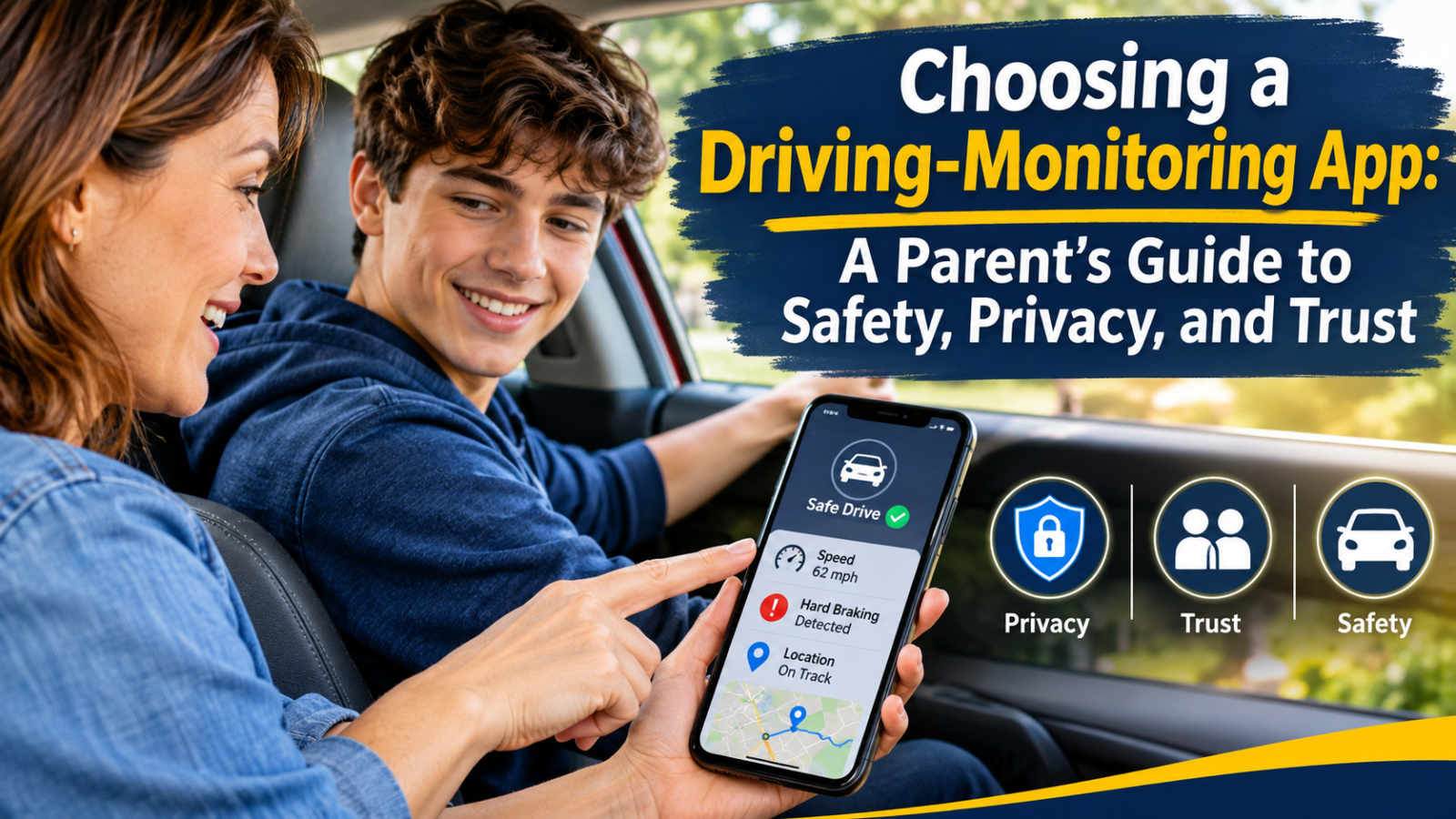
A parent hands over the keys for a teen’s first solo drive. Twenty minutes later the phone buzzes with a notification: “Hard braking detected.” What happens next matters more than the alert. Some families turn that moment into a useful conversation. Others end up in an argument about trust.
The difference usually has less to do with the technology than with how a family sets it up. apps for parents to monitor driving range from simple location sharing to tools that flag speeding, harsh braking, and phone handling. Before installing one, it helps to know what each type does, what the research supports, and where its limits are.
Location Tracking and Driving-Behavior Insights Are Different Tools
Families often use “tracking” as a catch-all, but two separate functions are involved.
Location sharing answers one question: where is the car right now? It is useful for pickups, arrival confirmations, and peace of mind. It says nothing about how the trip went.
Driving-behavior insights estimate how the trip went. They typically use a phone’s GPS and motion sensors to flag events such as speeding, rapid acceleration, hard braking, and sharp cornering. Some also report phone interaction during a drive.
Many apps for parents to monitor driving combine both, which can blur what a family is actually agreeing to. A parent who mainly wants to know a teen arrived safely may not need detailed trip scoring. A parent concerned about speeding may find location alone unhelpful. Deciding which problem you are solving narrows the field and keeps you from collecting more data than you will use.
What the Research Suggests About Monitoring
Research on in-vehicle monitoring is encouraging but conditional. An Insurance Institute for Highway Safety study found that monitoring devices can help teens be safer drivers by alerting both teens and parents about risky behaviors, though teens may become less cautious over time if they think their parents aren’t paying attention. A technology that is installed and then ignored can lose its effect.
How alerts are delivered also matters. An IIHS-indexed study reported that consistent reductions in speeding occurred only when teens received alerts, believed corrected behavior would not be reported to parents, and parents were notified of the behavior. A University of Minnesota evaluation of a smartphone-based system likewise found that in-vehicle feedback alone was less effective than feedback that also reached parents.
A 2026 summary from Nationwide Children’s Hospital on a trial involving teens with traffic violations puts the point plainly. A researcher said technology can provide feedback when parents are not in the vehicle, but its greatest impact comes when it helps families have productive conversations about safe driving. The same researcher noted that how parents talk to their teens is as important as what they say.
The pattern across these studies is consistent. Apps work best as a prompt for parent-teen discussion, not as a replacement for it.
What to Evaluate Before You Download
Feature lists are easy to compare. These questions are harder but more useful.
What data is collected, and who can see it? Read the privacy policy before installing. Look for what is stored (location history, trip details, contacts), how long it is kept, and whether it is shared with third parties such as advertisers or insurers. If the policy is vague, treat that as a warning sign.
Does the teen get feedback too? Because the research above points to the value of feedback paired with parent involvement, check whether the driver sees their own results. An app that only reports to parents turns monitoring into surveillance. One that shows the teen their own patterns supports self-correction.
Can you adjust what triggers an alert? A new driver on a rural road and a commuter on a congested highway generate very different data. Customizable thresholds help keep notifications meaningful instead of constant.
How does it handle practical details? Ask how much battery it uses, whether it works in areas with weak signal, and how it handles passengers. A trip logged as the teen’s drive when a friend was behind the wheel can lead to confusion.
What does it cost over time? Free tiers often limit trip history or alert types. Understand the pricing before the family depends on it.
Why Expectations and Consent Matter
The most common mistake is installing an app quietly and hoping for the best. Teens often learn about monitoring sooner or later, and discovering it unannounced can damage trust far more than any alert could repair.
A better approach is to set expectations before the first drive. Many families write a short driving agreement that covers:
- What is tracked: location only, or speed and braking too.
- Who sees it: one parent or both, and whether the teen can view the same reports.
- When parents will look: a weekly review, or only after an alert.
- How alerts are handled: a conversation first, before any consequence.
- When it ends: a milestone such as a clean record over several months, so monitoring has a defined path toward independence.
That last point matters. A Virginia Tech Transportation Institute project on how parents use commercial apps found that parents mostly check them to locate their teen, to see if the teen is speeding, and in situations like bad weather. The researchers also noted that teens often see monitoring apps as a more objective way to assess their driving than their parents’ perceptions. When apps for parents to monitor driving are introduced as a shared record rather than a verdict, teens can sometimes see the data as fair feedback instead of an accusation.
Don’t Let Alerts Replace Conversation
An alert is a data point, not a conclusion. Consider two responses to the same notification about a hard stop.
In the first, a parent sends a text: “Saw you braked hard. What’s going on?” The teen explains a car pulled out in front of them. The parent says the reaction time sounds good and asks how close the following distance was. The exchange takes two minutes and reinforces both skill and honesty.
In the second, the parent says nothing and quietly adds the event to a mental list. Over time, either the teen learns nothing from the data or the parent’s frustration builds until it comes out all at once.
The first approach matches what the research describes: technology that opens a door to coaching. A few habits help:
- Review trips together occasionally instead of only reacting to flags.
- Ask open questions before assuming a cause.
- Acknowledge good trips, not just risky ones.
- Keep the focus on specific behaviors rather than the teen’s character.
Understand the Limitations Before You Rely on It
Even well-designed apps have boundaries, and families should know them in advance.
Sensors estimate; they don’t understand. A phone’s motion data can’t tell a careless stop from a defensive one. Treat flags as prompts to ask about, not proof.
Apps can be disabled or bypassed. A teen who wants to avoid monitoring can often turn off permissions or leave the phone behind. That is another reason consent and communication come first.
Monitoring doesn’t build skill. Supervised practice, graduated licensing rules, and experience behind the wheel do work that no app can do. Feedback tools complement those basics. They don’t substitute for them.
The evidence has gaps. County Health Rankings’ review of the research notes some evidence that immediate in-vehicle feedback paired with delayed feedback for families reduces risky behaviors like speeding. It also points out that effects may be stronger for teens with a history of higher rates of hard-braking and acceleration events, and that higher-risk drivers may reduce rapid turning and acceleration only during the parental monitoring period. In other words, some improvements may fade once monitoring stops, which is one reason habits and understanding need to be built alongside the app.
Families who treat driving safety as an ongoing, shared project, rather than a setting to switch on, tend to be better positioned to use these tools well.
A Practical Starting Point
If you are considering apps for parents to monitor driving, try a short sequence:
- Decide what problem you are trying to solve: location awareness, speeding, or something else.
- Compare two or three options on privacy practices, teen-facing feedback, and alert controls.
- Talk with your teen before installing anything, and write down the agreement.
- Start with a trial period and review the first few weeks of data together.
- Revisit the arrangement regularly and loosen it as the driver earns trust.
Conclusion
The best driving-monitoring setup is one a family can describe in a sentence: what is tracked, who sees it, and what happens next. When the technology serves a clear goal, comes with the teen’s understanding, and prompts honest conversation, it can support safer habits and ease some of the worry of handing over the keys. When it is installed quietly and treated as a substitute for talking, it tends to do the opposite. Parents looking for more background on distracted driving and the technology around it can find additional resources from My Drive Guardian, but the most important tool remains an ongoing, honest conversation at home.