
The hardest part of making a video is sometimes finding out whether an idea deserves to become one.
A headline sounds promising in a meeting. A rough sketch gets everyone interested. Then someone asks what the opening scene would look like, and the conversation stalls. Nobody wants to organize a full production just to discover that the concept does not work on screen.
This is where AI video tools can earn a place in the creative process. They give people a way to explore visual directions before making larger commitments.
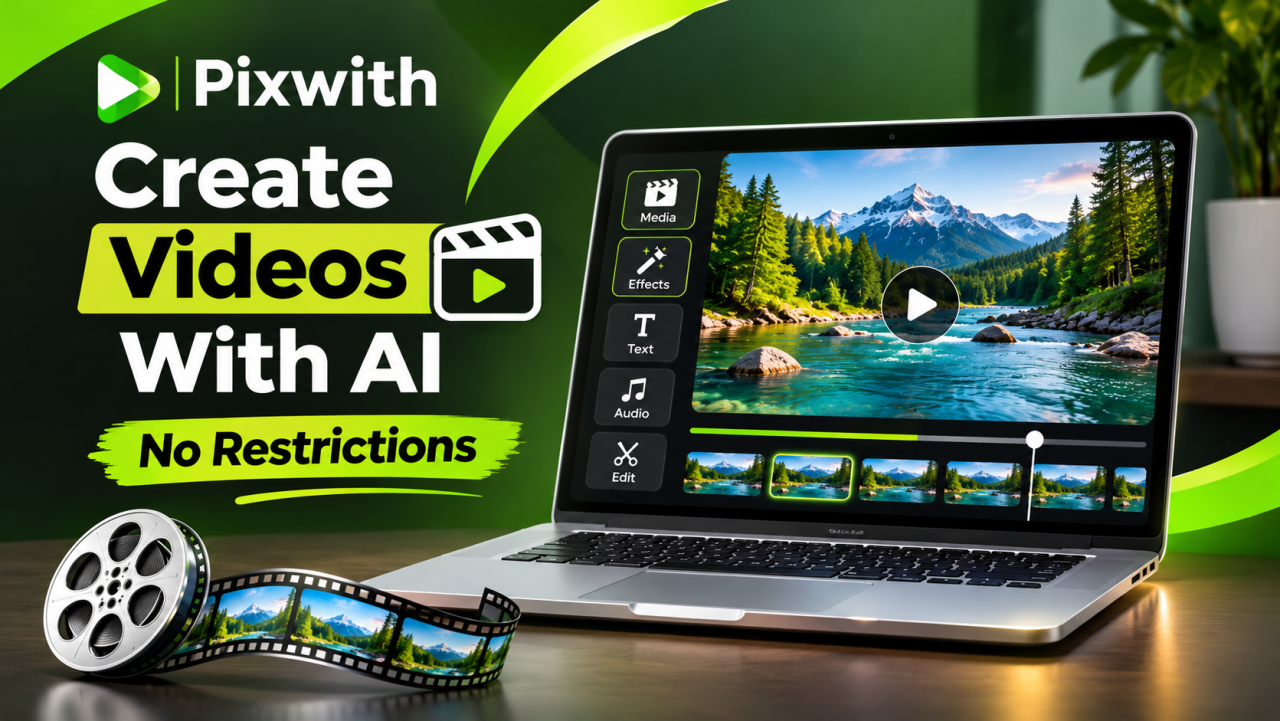
If you have been searching for an Ai video generator no restrictions, your real goal may be to move past repetitive visuals and give an unusual idea a fair trial. PixWith is a platform to consider for that kind of exploration. Its public website describes video creation from both written descriptions and images.
The opportunity is to make creative decisions earlier: see an interpretation, notice what feels wrong, and develop the strongest direction.
Why Good Video Ideas Need Room to Develop
An idea rarely arrives with every detail settled. You might know the feeling you want without knowing the setting. You may have a strong subject but no convincing opening.
Consider a hypothetical campaign for a language-learning newsletter. The obvious visual is someone studying at a desk. It explains the topic, but it says little about why someone should care.
An alternative could show an unfamiliar city waking up, a handwritten travel journal, or a fictional train platform with a sense of anticipation. Each direction suggests a different reason to learn: curiosity, independence, or connection.
Those are creative choices worth exploring before anyone writes a final script.
A useful experiment should answer a question. Does this setting support the message? Does the scene feel welcoming? Is the visual too abstract for the audience?
Without a question, it is easy to collect attractive clips and still have no clearer idea of what to publish.
Where PixWith Fits into Creative Development
PixWith’s workspace lists tools for generating video from text and images, along with options labeled video editor, video extender, and motion control.
For this article, the most relevant possibilities are text-led exploration and developing an existing visual. A written description can serve as the starting point for an imagined scene. An image can provide a starting composition when you already know what the frame should contain.
Think of the generated clip as something to evaluate. It may reveal an effective mood, a useful opening, or a problem you had not considered.
This is especially relevant when working with a client. Asking whether a scene should feel “energetic” can produce several interpretations. Discussing an actual visual gives both people something specific to respond to.
The tool helps make the conversation concrete. The creator still decides which interpretation belongs in the project.
AI Video Generator No Restrictions: Separate Freedom from Access
The search phrase can be misleading when several different expectations are bundled together.
Creative freedom concerns the kinds of visual directions you can explore. Access concerns which features your account can use. Usage allowances concern how much generation your available credits support.
A service may offer broad stylistic choices while still charging for generation. It may provide a free starting option without including every export setting.
PixWith’s landing-page FAQ explains that its creative flexibility operates within content rules. Its terms describe prohibited uses, so “no restrictions” should never be interpreted as permission to ignore those rules.
For a practical comparison, ask what you need freedom to do. An illustrator exploring surreal environments has a different requirement from a marketing team needing a particular output format.
Write down that requirement before choosing a plan. It will help you judge whether the service solves your actual problem.
Design Three Visual Directions Before Choosing One
One productive way to approach a project is to develop a small set of deliberately different concepts.
Suppose an independent publisher wants a short video introducing a new collection of mystery stories. Rather than generating several versions of the same bookshelf scene, test three different interpretations.
Direction One: Focus on an Object
Imagine an unmarked envelope beneath a reading lamp. A shadow passes across the table, and the viewer is left wondering who sent it.
The scene suggests a question without summarizing the entire story.
Direction Two: Focus on a Location
Picture an empty railway waiting room late at night. A curtain moves near an open window, while a distant light briefly crosses the wall.
Here, the setting carries the tension. The absence of a visible character becomes part of the idea.
Direction Three: Focus on a Visual Motif
Use an original illustration featuring torn paper, layered silhouettes, and a recurring shape from the book cover.
This direction could connect more directly with the publication’s artwork.
These are suggested concepts. Their purpose is to show how changing the central idea can produce a more useful comparison than repeatedly changing adjectives.
Once you have material to review, choose the direction that best supports the publication and its readers.
Judge the Message Before the Visual Effects
An eye-catching scene can distract from a weak message. It is possible to admire the lighting and still have no idea what the video is trying to say.
Review the work in two passes.
First, watch without paying attention to polish. What do you think the subject is? What feeling does the scene create? What would you expect to see next?
Second, examine execution. Does the movement make sense? Are there visual changes that interrupt the scene? Does the composition leave space for the wording you need?
Separating these questions helps you avoid spending time repairing a concept that was unsuitable from the beginning.
For the mystery-book example, an elaborate fantasy landscape might be visually impressive but imply the wrong genre. A quieter scene could communicate the offer more accurately.
The relevant question is whether the effect helps the viewer understand the idea.
Build a Consistent Visual Identity Around Your Clips
A single successful video does not automatically create a recognizable brand presence. Consistency comes from repeated decisions about color, framing, pace, and tone.
Before creating several clips, define a few rules for the project.
For example, the fictional publisher might choose muted colors, restrained movement, and compositions with generous empty space. Those choices give the campaign a recognizable atmosphere.
A children’s art workshop would probably need a different approach: brighter surroundings, playful shapes, and a more open mood.
Keep a short visual reference sheet with approved colors, example compositions, and descriptive words that have a clear meaning to your team.
When reviewing a new clip, compare it with that sheet. An attractive result can still be unsuitable if it feels unrelated to everything else in the campaign.
Make the Video Work with the Page Around It
A generated clip should have a clear relationship with its destination.
On a landing page, it might establish a mood before visitors read the main offer. In a newsletter, it might introduce a story. In a social post, it might make someone curious enough to read the accompanying caption.
Each placement creates different needs.
A website background should leave the important text readable. A short promotional post needs a composition that works with its caption and opening message. An editorial visual should help readers recognize the subject.
Test the video in its intended setting before approving it. A frame that looks balanced on its own may become crowded once a headline, button, or caption is added.
Also consider whether a still image would communicate the same point more clearly. Use movement when it contributes something useful, such as atmosphere, a reveal, or a change in perspective.
Give Each Experiment a Spending Limit
Creative work becomes harder to manage when every result leads to another open-ended attempt.
Set a testing allowance before you start. Decide how many concepts you will explore, how many revisions each deserves, and what would justify continuing.
For example, a small team might allow two attempts for each of three concepts. After reviewing those six attempts, it chooses one direction for further development. The number is simply a planning example; your generation costs will depend on the options you select.
The point is to create a decision moment. If none of the concepts communicates the message, revisit the brief before committing more of your budget.
Check the active workspace for the relevant generation costs and settings. Public descriptions may cover different models or access conditions, so confirm what applies to the option you select.
Keep Human Judgment in the Final Edit
Generation can produce material to work with, but publication still requires careful review.
Watch for objects changing shape, unexpected details appearing, or movement that breaks the scene’s logic. If the clip contains a product, check whether its appearance remains accurate.
Review the message as well. A fictional setting should not be presented as evidence that a real event happened. A promotional visual should not imply a product feature that the business does not offer.
Then consider the finish: timing, readable text, appropriate sound, and a clear ending.
Sometimes the best revision is a shorter edit. Removing an awkward moment can help more than regenerating the entire sequence. In other cases, the underlying scene needs to change.
Make that decision based on what the video must accomplish.
A Sensible Way to Explore PixWith
Choose an idea you already understand well. An original story, a planned newsletter, or a personal creative project gives you a useful reference point for judging the result.
Write down the intended audience and the main impression you want to leave. Sketch two or three possible visual treatments, then select a small experiment.
Explore the available creation options in PixWith’s AI video workspace. Check the relevant settings and access conditions before committing to a larger project.
Keep your first test narrow enough to learn from. If the atmosphere works but the action does not, you have discovered something specific. If the scene sends the wrong message, change the concept.
That makes experimentation purposeful rather than repetitive.
Frequently Asked Questions
Why do people search for an AI video generator no restrictions?
They may want broader visual choices, fewer template limitations, or more flexibility when developing unusual concepts. The phrase does not establish a service’s actual pricing, allowances, or content rules.
What can PixWith add to an early creative discussion?
Its advertised text-to-video and image-to-video tools offer ways to explore visual interpretations. A generated scene can give a team something concrete to discuss before developing a larger production.
Do I need a complete script before experimenting?
You can begin with an audience, a message, and a scene idea. For a finished campaign, develop the script and structure around the direction you choose.
How should I compare different video concepts?
Use the same criteria for each: relevance to the message, suitability for the audience, visual clarity, and practical editing needs. A dramatic effect should not outweigh those basics.
Is it sensible to generate many versions immediately?
Start with a limited set of meaningful alternatives. Review them before generating more, so your next attempt addresses a specific problem.
Turn a Promising Idea into Something You Can Evaluate
A creative project often needs a visible first draft before the next decision becomes clear. AI video generation can help you explore what a scene might communicate and which direction deserves more attention.
Try PixWith the next time a promising idea is stuck on the page. Bring an original concept, compare a few distinct interpretations, and keep the version that serves your message.
The result you are looking for is a video that feels connected to the story, publication, or business behind it.